
What to Wear for a Video Call That Looks Polished
Looking polished on a video call isn’t about dressing up fully—it’s about strategic styling. Focus on the upper half of your outfit, choose solid colors clothing that enhances visual clarity, and avoid distracting patterns that distort on camera. A well-fitted blouse, blazer, or smart casual top instantly elevates your presence, while thoughtful grooming, lighting for video calls, and a clean background complete the look. The key is balancing comfort with professionalism—creating a work from home outfit that feels effortless but communicates confidence, credibility, and intention.
The New Dress Code: Why Your Video Call Outfit Matters
The shift to remote work didn’t eliminate dress codes—it simply redefined them. What you wear on camera now plays a direct role in your professional image on camera, influencing how colleagues, clients, and employers perceive you.
A polished appearance isn’t about overdressing. It’s about intentional choices that align with your role, your audience, and your personal brand on video calls.
First impressions on video are formed within seconds—and your outfit does most of the talking before you even speak.
Whether you’re searching for what to wear for a video meeting or refining your everyday zoom meeting style, the goal is the same: look composed, confident, and camera-ready without sacrificing comfort.
Start With the Foundation: Camera-Friendly Clothing
Not all outfits translate well on screen. What looks great in person can appear distracting, washed out, or unstructured on camera.
Choose the Right Colors
When thinking about the best colors to wear on camera, simplicity wins.
- Solid colors clothing creates visual clarity in video calls
- Bold colors for camera (like deep blue, emerald, or burgundy) enhance presence
- Neutral tones outfit options offer a timeless, professional feel
- Avoid solid white clothing—it can appear too bright under lighting
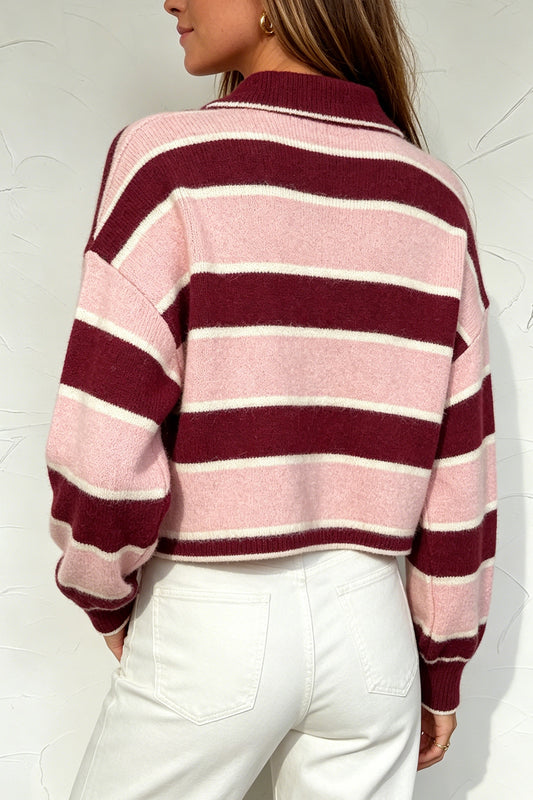
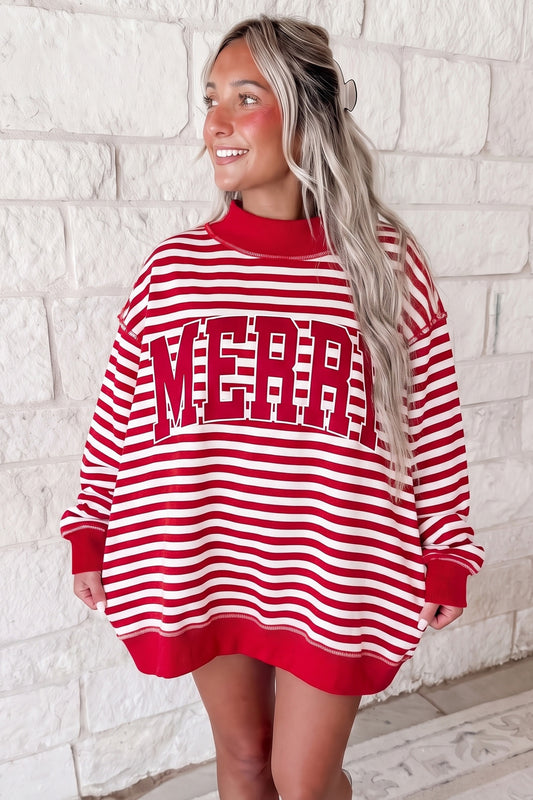
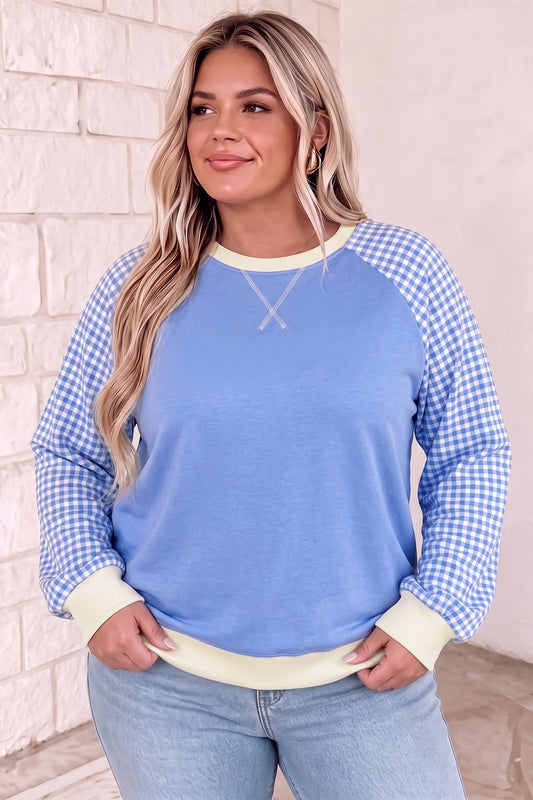
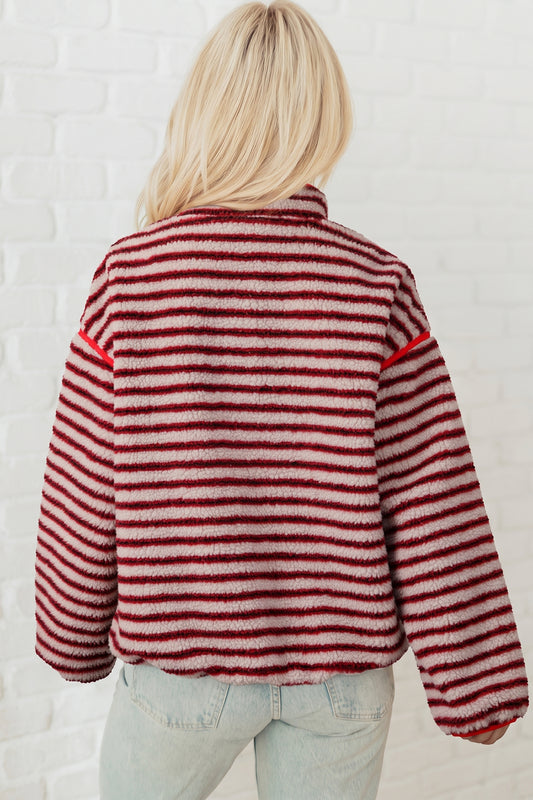
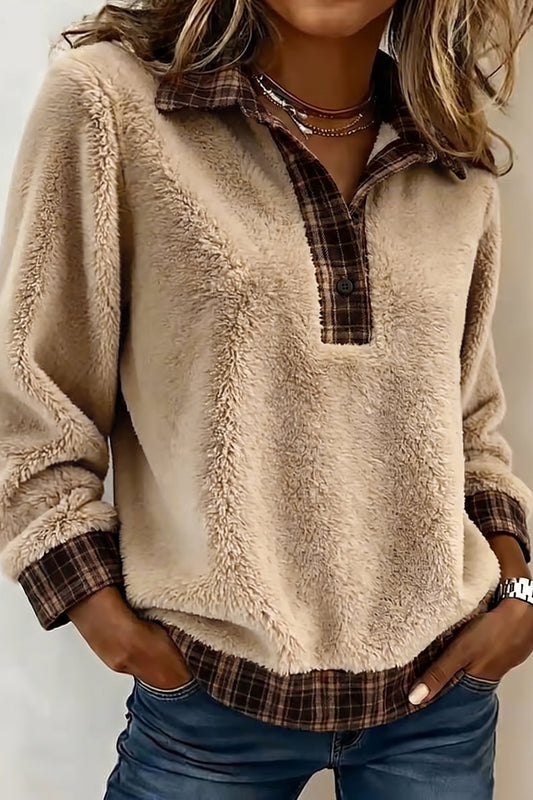
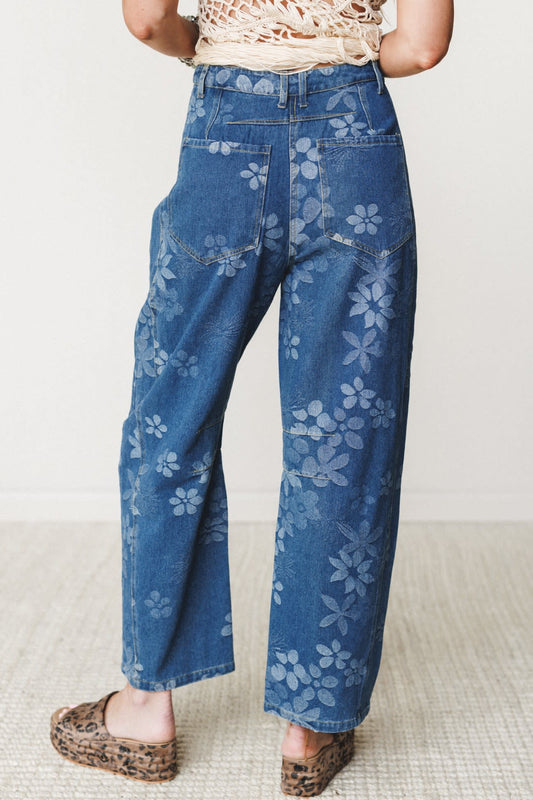
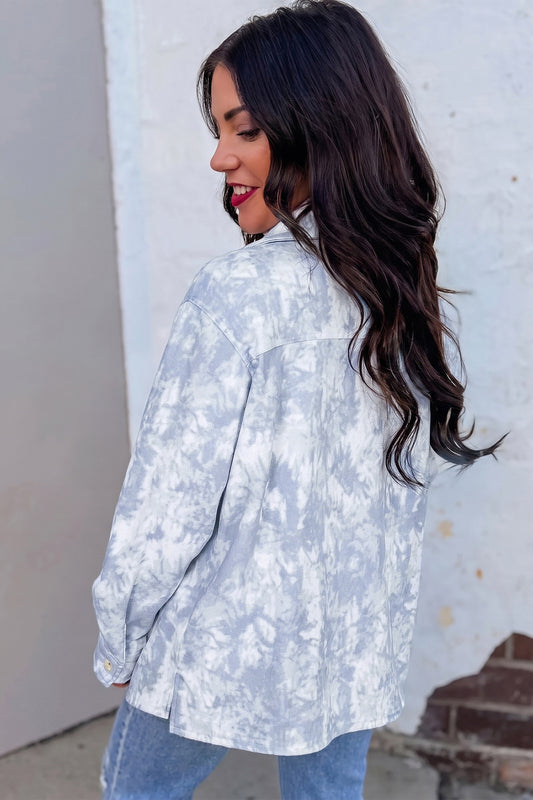
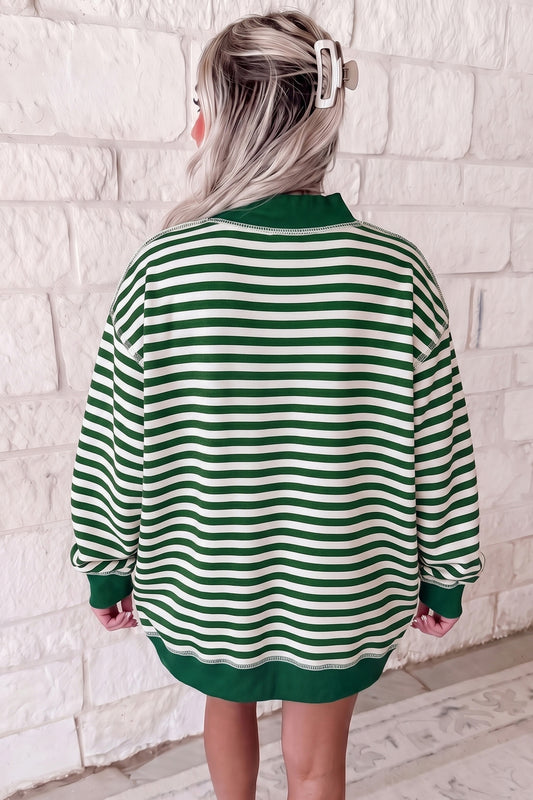
- Avoid patterns on camera, especially stripes and plaids, which can distort
If you're building a reliable wardrobe for virtual meetings, explore versatile staples like these office tops that naturally translate well on screen.
Fit Changes Everything
A common mistake in work from home style is leaning too far into comfort—resulting in outfits that look unstructured or oversized.
Instead, aim for:
- Well-fitted clothing that defines your shape
- Fitted tops for video calls that frame your shoulders and neckline
- Structured silhouettes that maintain a polished look on video calls
Loose or baggy pieces can make you appear less put-together, even if they’re comfortable.
For refined yet comfortable options, consider browsing these long sleeve tops, designed to strike that perfect balance.
The Power of Upper Body Styling
On video, only a portion of your outfit is visible—making upper body styling the most critical element of your virtual meeting wardrobe.
Key Pieces That Always Work
- A crisp blouse or button-down shirt
- A structured blazer for zoom calls
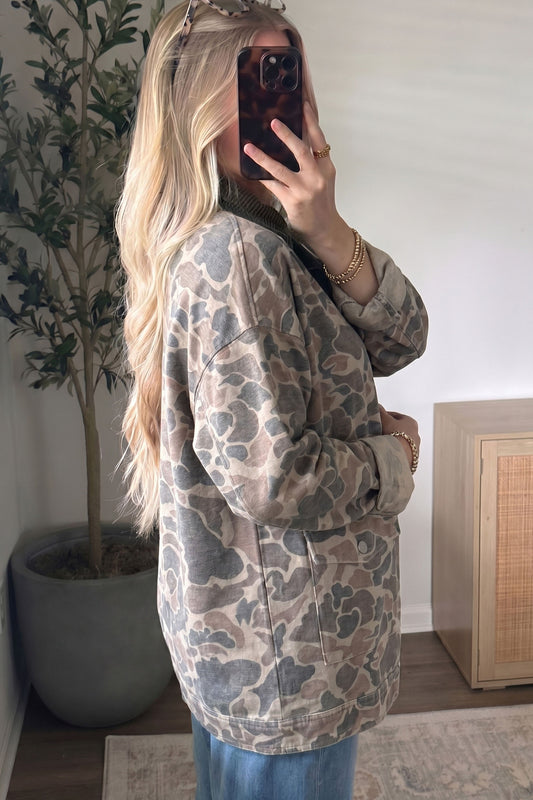
- Layered outfit for video meetings (top + light outerwear)
- A clean neckline for video calls that frames your face
If you want an effortless upgrade, layering is your best friend. Even a simple tee can transform into professional video call attire when paired with something structured.
Browse polished layering options like office outerwear to instantly elevate your look.
Blouses, Shirts, and Elevated Basics
A strong rotation of tops makes dressing for video calls simple and repeatable.
- Blouses offer a soft, professional finish
- Button-down shirts communicate structure and authority
- Elevated basics like premium tees can still look sharp with the right styling
You can explore versatile staples such as blouses & shirts that work seamlessly for both casual and formal calls.
Comfort Meets Professionalism
One of the biggest advantages of remote work is comfort—but the challenge is maintaining a comfortable but professional outfit.
The solution? A hybrid approach:
- Soft fabrics that feel relaxed
- Structured cuts that look intentional
- Elevated casual wear that blends both worlds
Think:
- A smart casual zoom outfit with a polished top and relaxed bottoms
- Elevated loungewear that doesn’t look like sleepwear
- A jumpsuit work outfit that’s effortless yet refined
Even though bottoms are rarely visible, wearing complete outfits can subtly impact your posture and mindset.
If you’re building a full look, these officewear bottoms help complete the picture—boosting both confidence and productivity.
Accessories: Less Noise, More Impact
Accessories can either elevate your outfit—or completely distract from it.
Keep It Simple
- Choose minimal jewelry over statement pieces
- Avoid anything that reflects too much light
- Stick to simple accessories that complement, not compete
On camera, subtlety feels intentional. Over-accessorising feels chaotic.
The goal is to create non-distracting outfits that keep the focus on your face and communication.
What Not to Wear on Video Calls
Sometimes, knowing what to avoid is just as important as knowing what works.
Avoid These Common Mistakes
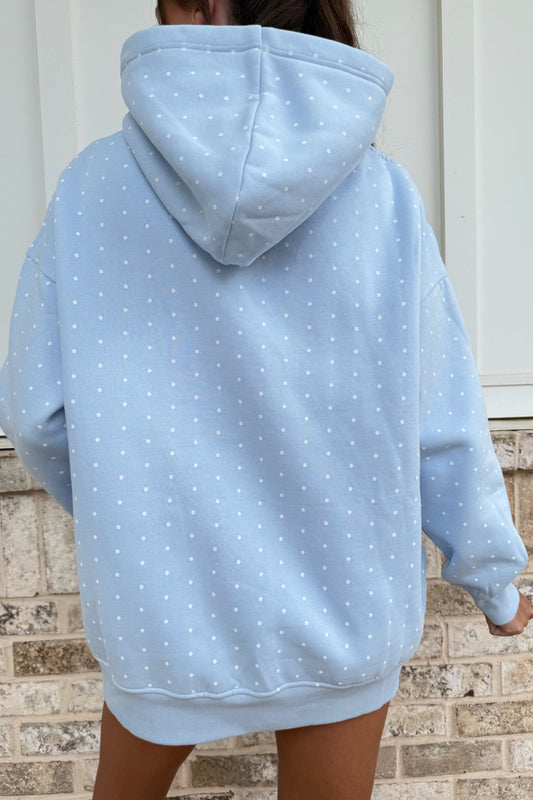
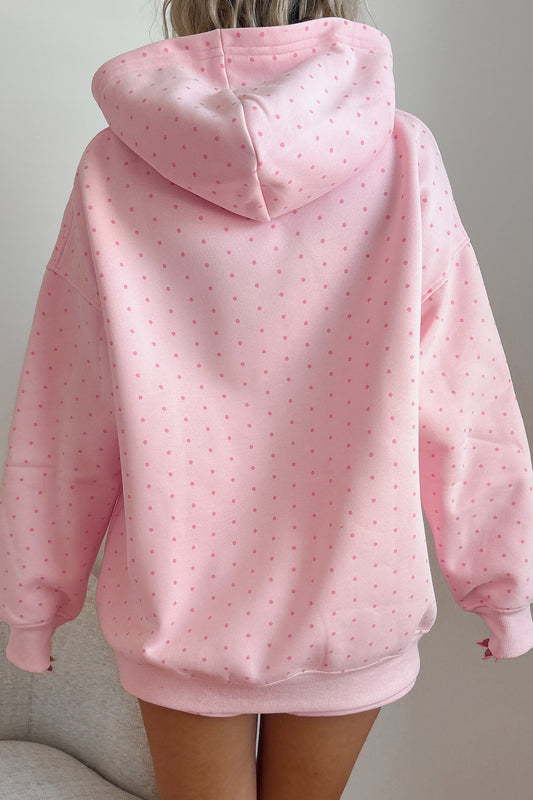
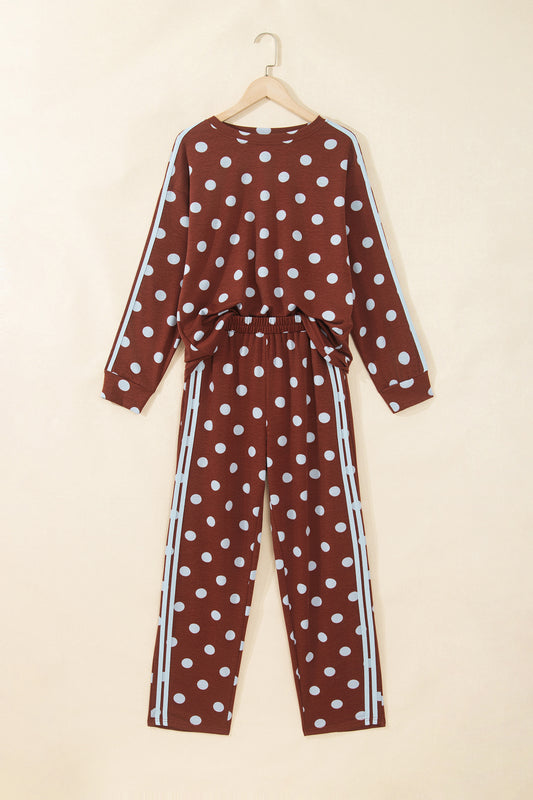
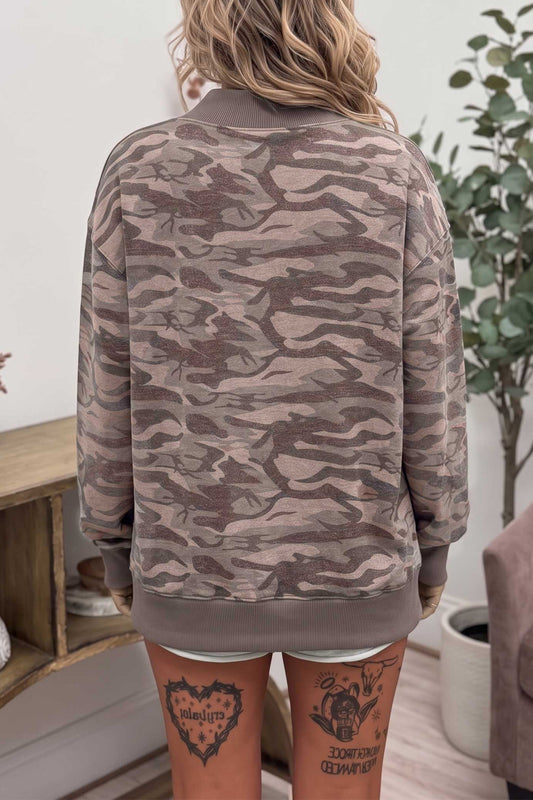
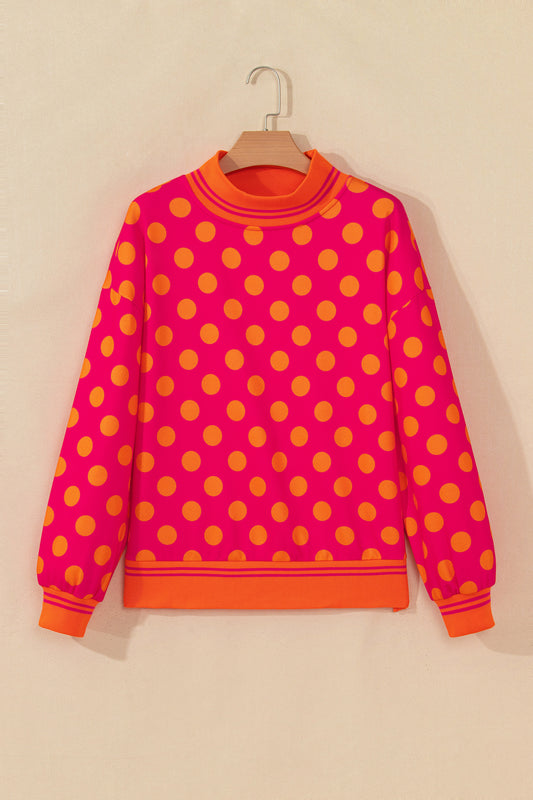
- Loud prints or busy patterns
- Stripes and plaids (they can distort on camera)
- Overly casual clothes like worn-out tees
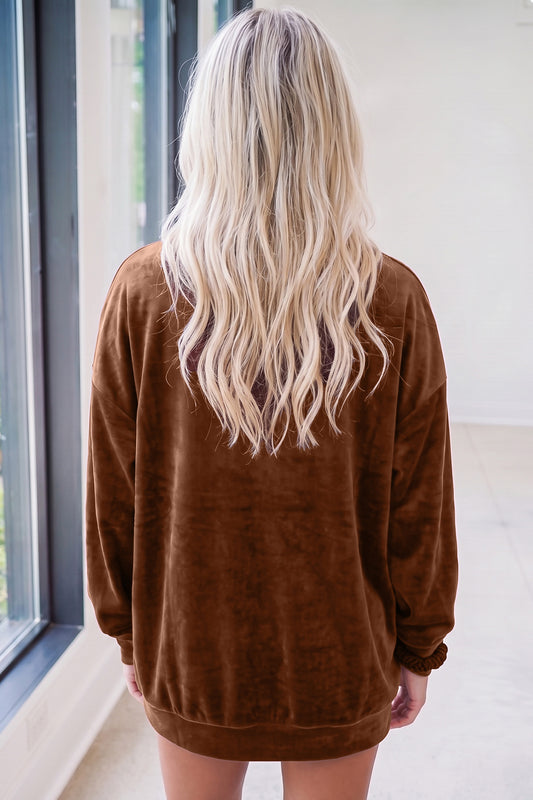
- Baggy or oversized outfits that lack structure
- Distracting jewelry that shifts or shines excessively
These small missteps can undermine even the best intentions for a polished appearance.
Grooming and Presentation: The Details That Define You
Clothing sets the foundation, but grooming completes the story. On high-definition cameras, even small details become more noticeable—making neat grooming for zoom just as important as your outfit.
Simple Grooming That Elevates Your Look
You don’t need a full routine—just a few intentional choices:
- A clean and tidy appearance goes further than heavy styling
- A simple hairstyle for work calls keeps attention on your face
- Light, natural hair and makeup for video calls enhances clarity without distraction
- Well-groomed brows and even skin tone help create a polished appearance
Think of grooming as part of your outfit—it frames your face the same way clothing frames your body.
This is where professional grooming tips meet practicality. The goal isn’t perfection—it’s consistency.
Lighting, Angles, and Setup: Your Invisible Outfit
You can wear the perfect outfit, but without the right setup, it won’t translate on screen. This is where on-screen appearance optimization becomes essential.
Get Your Lighting Right
Lighting for video calls can dramatically change how your clothing and face appear.
- Face a natural light source when possible
- Avoid strong overhead lighting that creates shadows
- Soft, even lighting enhances camera-friendly outfits
Position Your Camera Correctly
Camera angle positioning is one of the easiest upgrades you can make:
- Keep your camera at eye-level for a natural perspective
- Avoid low angles—they can distort proportions
- Sit at a comfortable distance to show your upper body styling
Create a Clean Background
Your background for video meetings should support—not compete with—your look:
- Choose an uncluttered background
- Use subtle contrast with your clothing (don’t blend in)
- Keep visual distractions to a minimum
Before important calls, do a quick video call test setup. It takes less than a minute and can instantly improve your overall presence.
Outfit Formulas You Can Rely On
When you’re short on time, having a few go-to outfit formulas removes the guesswork. These combinations consistently deliver a polished look on video calls without overthinking.
1. The Effortless Professional
- Fitted blouse or button-down shirt
- Minimal jewelry
- Neutral tones outfit or soft bold color
This is a classic choice for important meetings where you want to look more professional instantly.
For refined everyday options, explore these office dresses that require minimal styling but deliver maximum impact.
2. The Smart Casual Balance
- Elevated t-shirt or knit top
- Light layering piece (blazer or cardigan)
- Simple accessories
This approach creates a smart casual zoom outfit that feels relaxed but intentional.
If you lean toward comfort, high-quality basics like these office t-shirts can easily be styled into something more refined.
3. The Cozy but Polished Look
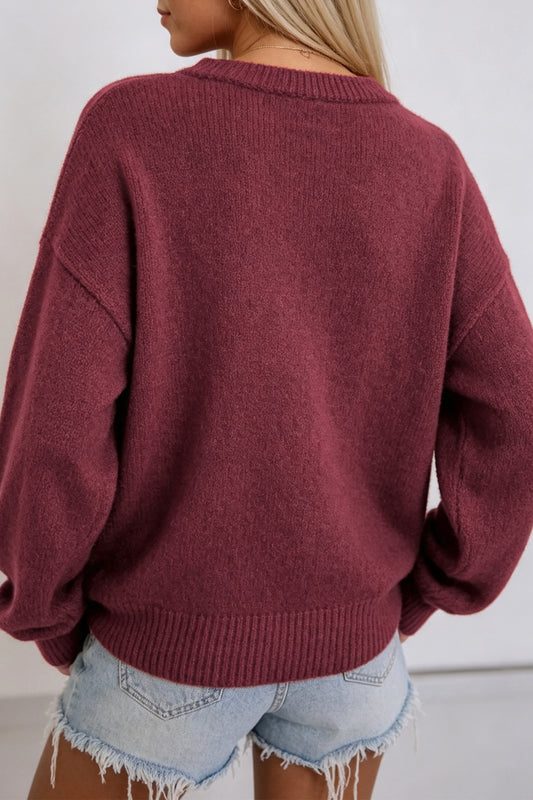
- Soft sweater or structured knit
- Clean neckline for video calls
- Hair neatly styled
Perfect for colder days or long work sessions, this look blends stylish but comfortable clothing with a professional edge.
Browse options like office sweaters to build a wardrobe that feels as good as it looks.
4. The Elevated Casual Approach
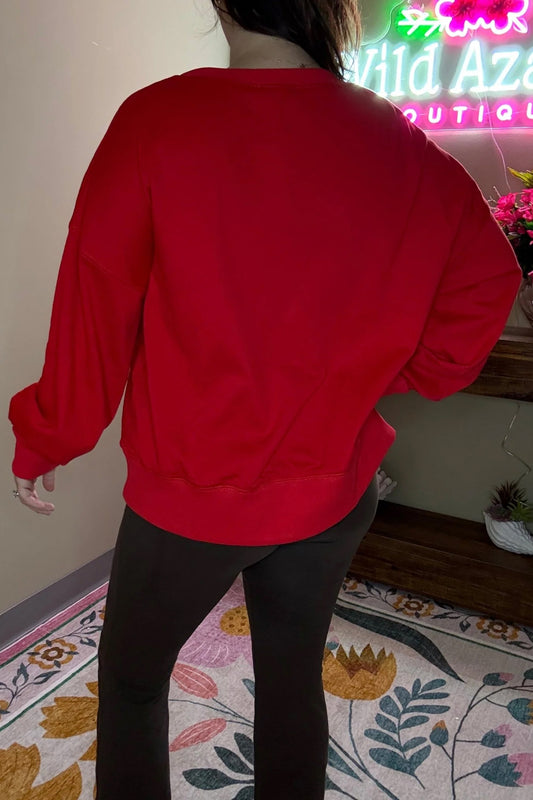
- Premium sweatshirt or relaxed top
- Layered with a blazer or tailored outerwear
- Minimal, intentional styling
This is where elevated casual wear shines—especially when you want a comfortable work from home outfit that still reads as professional.
For relaxed yet polished pieces, consider styles from sweatshirts & hoodies.
Dressing for Your Audience and Intent
Not every video call requires the same level of formality. A quick internal checklist helps you align your outfit with the moment:
- Who are you meeting with? (team vs clients vs leadership)
- What impression do you want to create?
- Does your outfit reflect your role and authority?
This is where digital presence styling becomes strategic. You’re not just getting dressed—you’re shaping perception.
Dress slightly above the expected level, and you’ll always appear intentional rather than underprepared.
The Psychology Behind What You Wear
There’s a subtle but powerful connection between clothing and productivity. What you wear doesn’t just affect how others see you—it shapes how you show up.
- Structured outfits encourage focus
- Intentional dressing supports a confident mindset
- Comfort balanced with polish reduces distraction
This is the essence of dress for confidence—a small shift that can improve your entire workday.
Your mindset and work attire are more connected than they seem. When you feel put-together, you communicate more clearly, engage more actively, and project greater confidence through the screen.
Your Go-To Checklist for a Polished Video Call Look
By now, the pieces are in place. The final step is turning everything into a repeatable system—something you can rely on whether it’s a last-minute check-in or an important client presentation.
The 60-Second Pre-Call Checklist
Before you join any call, run through this:
Outfit
- Wearing solid colors clothing or subtle tones
- Top is well-fitted and structured
- Neckline is clean and frames your face
- No distracting patterns, stripes, or loud prints
Grooming
- Hair is neat and intentional
- Skin looks fresh and natural on camera
- Overall clean and tidy appearance
Setup
- Lighting for video calls is soft and even
- Camera angle is at eye level
- Background is uncluttered and distraction-free
A polished look isn’t about effort—it’s about preparation. Once you systemise it, it becomes second nature.
Building a Capsule Wardrobe for Video Calls
If you find yourself constantly wondering what to wear for a video call, the answer isn’t more clothes—it’s better ones.
A small, curated selection of camera-friendly outfits can simplify your entire routine.
Your Essential Video Call Wardrobe
Focus on versatile pieces that mix easily:
- 3–5 fitted tops for video calls (blouses, knits, elevated basics)
- 1–2 layering pieces (blazer or structured outerwear)
- 2–3 neutral tones outfit options
- 1–2 bold colors for camera to add variety
- Minimal, consistent accessories
This creates a flexible virtual meeting wardrobe that supports both comfort and professionalism.
Advanced Styling: Stand Out Without Trying Too Hard
Once you’ve mastered the basics, small refinements can elevate your presence even further.
Use Contrast to Your Advantage
- Wear colors that contrast with your background
- Avoid blending into walls or furniture
- Choose camera-friendly fabrics that don’t reflect too much light
This improves visual clarity in video calls and keeps attention where it belongs—on you.
Refine Your Personal Brand on Camera
Your outfit choices are part of your professional image building. Over time, consistency creates recognition.
Ask yourself:
- Do I lean more toward structured or relaxed styles?
- Are my colors consistent?
- Does my look align with my role and industry?
This is how executive presence on zoom develops—not through dramatic changes, but through subtle consistency.
Common Mistakes That Quietly Undermine Your Look
Even with the right wardrobe, a few overlooked habits can disrupt your overall appearance.
Watch Out For:
- Wearing overly casual clothes that don’t match the moment
- Ignoring lighting and relying on poor setup
- Choosing outfits without testing how they appear on camera
- Over-accessorising instead of keeping things clean and intentional
- Forgetting that posture and presence are part of your outfit
The goal is not perfection—it’s alignment. Every element should work together, not compete.
Bringing It All Together
Looking polished on camera isn’t about following rigid rules. It’s about understanding what translates well through a screen—and adapting your style accordingly.
At its core, mastering What to Wear for a Video Call That Looks Polished comes down to three principles:
- Clarity – Choose clothing that enhances, not distracts
- Structure – Prioritise fit and intentional styling
- Balance – Combine comfort with professionalism
When these elements come together, the result is effortless:
- You look put-together on Zoom
- You feel confident and focused
- You communicate more effectively
And perhaps most importantly—you stop overthinking it.
Final Thought
Your video call outfit is more than just clothing. It’s part of your virtual communication style, your presence, and your personal brand.
When done right, it doesn’t just change how others see you—it changes how you show up.
So the next time your camera turns on, you won’t be guessing. You’ll already know exactly how to look polished, professional, and completely yourself.
Frequently Asked Questions
1. What fabrics look best on camera for video calls?
Camera-friendly fabrics are those that hold their shape and don’t reflect too much light. Matte materials like cotton blends, lightweight knits, and structured fabrics work well. Avoid overly shiny or silky materials, as they can create glare under lighting for video calls.
2. Can I wear black on a video call?
Yes, black can look sleek and professional, but it works best when balanced. Pair it with good lighting and a bit of contrast (like subtle accessories or a textured fabric) so it doesn’t appear too flat or blend into darker backgrounds.
3. Should I match my outfit to my background?
Not exactly—but you should contrast with your background clothing. If your background is light, opt for darker or richer tones, and vice versa. This helps improve visual clarity in video calls and keeps you from blending in.
4. How often should I rotate outfits for regular video meetings?
If you’re on frequent calls, rotating 5–7 core tops is enough. Most people won’t notice repetition if you vary layers, accessories, or hairstyles. A small, consistent wardrobe supports a strong virtual meeting wardrobe without overcomplicating things.
5. Are logos or branded clothing appropriate for video calls?
It depends on the setting. For professional environments, it’s best to avoid large logos or graphics, as they can distract and take away from a polished appearance. Subtle branding is usually fine in casual internal meetings.
6. What’s the best neckline to wear on a video call?
Flattering necklines for video calls include crew necks, V-necks, and collared styles. These frame your face well and create clean lines on camera. Avoid overly low or overly high necklines that may look unbalanced on screen.
7. Do I need to wear makeup for every video call?
Not necessarily. The goal is simply to look fresh and well-rested. Even minimal touches—like evening out skin tone or adding a bit of definition—can enhance your professional image on camera without requiring a full routine.
8. How can I look polished if I only have a few minutes to get ready?
Focus on high-impact elements:
- A well-fitted top in a solid color
- Quick hair tidy or simple hairstyle
- Good lighting and camera positioning
These small adjustments can help you look more professional instantly.
9. Is it okay to dress more casually for internal team calls?
Yes, but keep it intentional. A smart casual zoom outfit—like an elevated tee or knit—maintains a balance between relaxed and professional. Avoid slipping into overly casual clothes that may affect your mindset and work attire.
10. How do I build confidence in my appearance on video calls?
Confidence comes from consistency. When you know your outfit fits well, your setup is right, and your look aligns with your role, you naturally feel more at ease. Over time, this builds a strong sense of confidence through clothing and improves your overall presence.